

Comparison

 Streaks
ByDesign vs Streaks
Streaks keeps your habits going. ByDesign plans everything around them.
Streaks tracks up to 24 daily tasks with streaks, flexible schedules, timed tasks, Apple Health links and widgets, on iPhone, iPad, Apple Watch, Mac and Vision Pro. ByDesign has a habit tracker too, then adds the rest of the plan: goals the AI turns into scheduled tasks, a two-way calendar, notes, a Pomodoro timer, a year-to-day canvas and a team you can share with, on every platform.
What you get with ByDesign that Streaks doesn’t offer
Goals and plans, not only habits
Goal pages with progress, and AI that turns a goal into tasks, subtasks, courses and deadlines on your calendar. Streaks tracks repeating tasks on pages, with per-task goals like “read for 20 minutes”; there are no due-dated to-dos or goal pages.
A calendar that schedules the work
Two-way sync with Google and Apple Calendar, auto-scheduling around your hours, and time blocking with a preview you approve. Streaks reminds you when a task still needs doing; it doesn’t connect to a calendar.
Notes, focus and the long view
Nested pages, a Pomodoro timer, time tracking on any task and a canvas from the year down to the day. Streaks keeps a daily note per task, runs a timer on timed tasks, and shows a statistics screen.
Every platform, and your team
Web, Mac, Windows, iOS, iPad and Android, with shared pages, assignments and chat. Streaks is Apple only, and sharing means friends who also have Streaks can see your progress.
ByDesign vs Streaks, feature by feature
Only the differences. What both apps do the same is listed underneath.
- Included
- Limited
- Not available
AI planning
AI goal plans
ByDesign
Included: Built and scheduledTasks, subtasks, courses and deadlines land on your calendar; AI and AI Plus plansStreaks
Limited: Break It DownSuggests alternative tasks to improve a habit on Apple Intelligence devices; nothing plans a goalAI scheduling with a preview you approve
ByDesign
Included: Preview, then acceptConflicts shown; nothing saves until you say so; AI and AI Plus plansStreaks
Not available: NoAuto-schedule around your hours
ByDesign
Included: Rules you setWork hours, breaks, buffers, max hours a day, split long tasksStreaks
Not available: NoPlanning assistant chat
ByDesign
Included: In the app, full contextSees your calendar, goals, habits and notes; moves and reschedules items; AI and AI Plus plansStreaks
Not available: Siri AICreate or complete a task in your own words on Apple Intelligence devicesVoice control
ByDesign
Included: Mic and hands-freeOptional wake phrase; AI and AI Plus plansStreaks
Limited: Siri and ShortcutsCreate, complete or miss tasks and start timers; in your own words on Apple Intelligence devices
Calendar and views
Two-way calendar sync
ByDesign
Included: Google and AppleEdit events in either place; Outlook and ICS subscriptions tooStreaks
Not available: Reminders insteadTasks come due on set days; Automatic Times picks reminder times from when you usually finishYear-to-day planning canvas
ByDesign
Included: Year to dayYear, quarter, month, week and day on one zoomable surface; AI and AI Plus plansStreaks
Limited: Per-task calendar and statisticsSee and backdate completions; no planning viewKanban boards
ByDesign
Included: Custom columnsMain board plus boards per pageStreaks
Not available: NoSticky notes, images and pinned pages on the calendar
ByDesign
Included: YesStreaks
Not available: NoCustomisable dashboard
ByDesign
Included: Drag-and-drop widgetsScore board, tasks, habits, inbox, pinned pages, KanbanStreaks
Limited: Statistics screen and widgetsCurrent and best streaks, completion rates; Home, Lock Screen and watch widgets
Notes, goals and focus
Notes and pages
ByDesign
Included: Nested pagesTables, code, embeds, sub-pages, backlinks; publish to the webStreaks
Limited: A daily note per taskGoals with progress
ByDesign
Included: Goal pagesTasks, resources, percent complete, shareableStreaks
Limited: Per-task goalsDays-per-week schedules, time goals and Apple Health goals on a task; no goal pagesCourses and roadmaps from the Hub
ByDesign
Included: The HubCourses, roadmaps and a habit library; schedule a roadmap straight onto your calendarStreaks
Not available: Task suggestions and guidesPomodoro timer
ByDesign
Included: Built in25/5/15 cycles with a floating timerStreaks
Limited: Timed tasksA timer runs until the task’s time goal is met; no work and break cyclesTime tracking on tasks
ByDesign
Included: Start and pause on any taskTotals per task; “most tracked” filterStreaks
Limited: Timed tasks onlyTime runs or is recorded against a task’s time goal
Collaboration and platforms
MCP for Claude, ChatGPT and other assistants
ByDesign
Included: YesClaude Desktop, Claude Code and ChatGPT guidesStreaks
Not available: Shortcuts actions insteadShare pages and assign tasks
ByDesign
Included: View, comment or editAssign tasks; @mention in commentsStreaks
Limited: Share progressFriends with Streaks installed can see your progress and statisticsBuilt-in chat
ByDesign
Included: Direct and groupThreads, reactions, pollsStreaks
Not available: NoTeam plans
ByDesign
Included: Per seatAdd or remove members in settingsStreaks
Not available: One-time purchase per personFamily Sharing supportedApps
ByDesign
Included: Web, Mac, Windows, iOS, iPad and AndroidStreaks
Limited: iPhone, iPad, Watch, Mac and Vision ProApple only; no web, Windows or Android
Streaks column based on features, support, task frequency, timed tasks, Siri, sharing, statistics and release notes on October 26, 2026. If something has changed, email info@bydesign.io.
Both apps cover the basics
- Habit tracker with streaks and stats
- Flexible habit schedules (set weekdays, every N days)
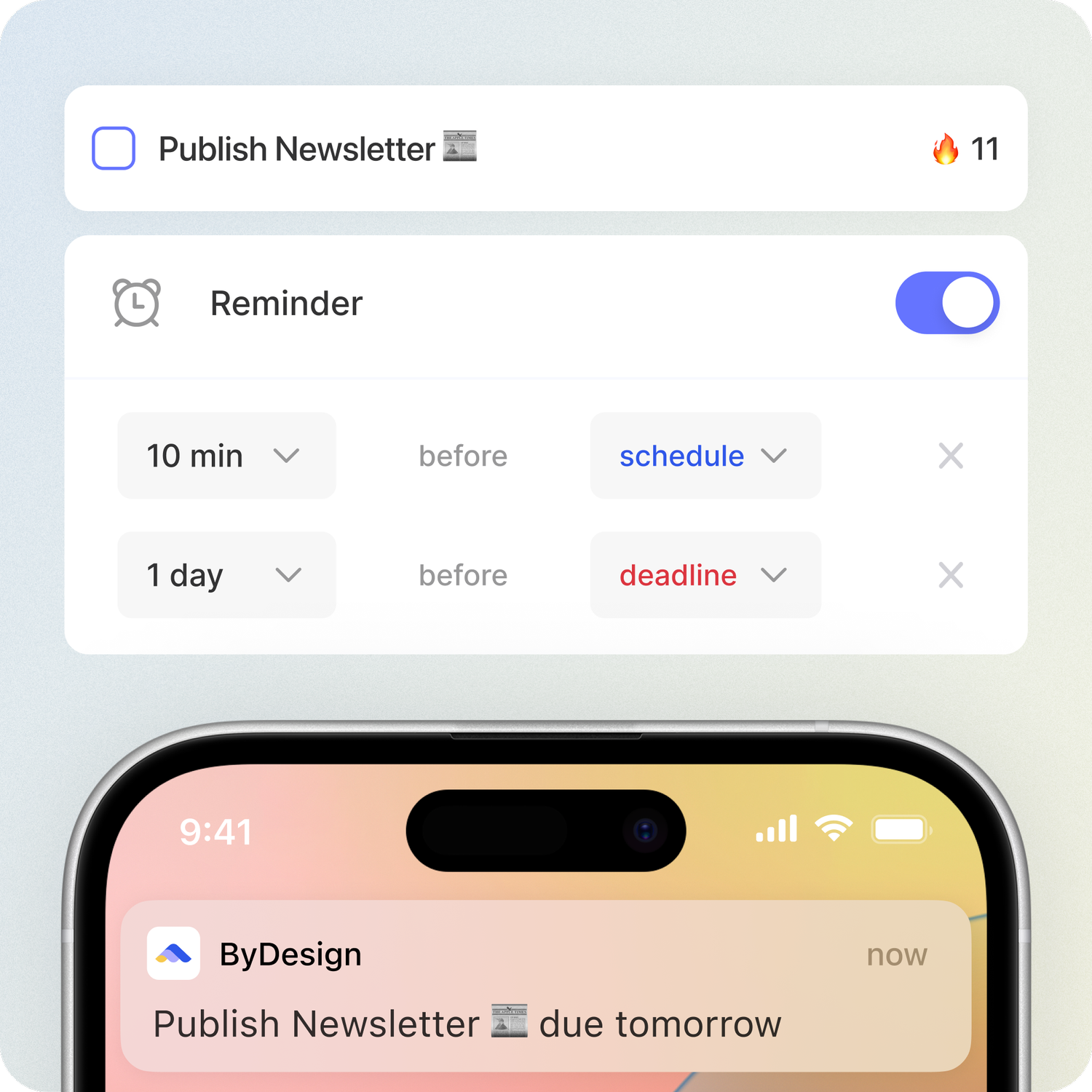
- Reminders
- Home-screen widgets
- Sync across devices
- Multiple interface languages
Why people switch from Streaks to ByDesign
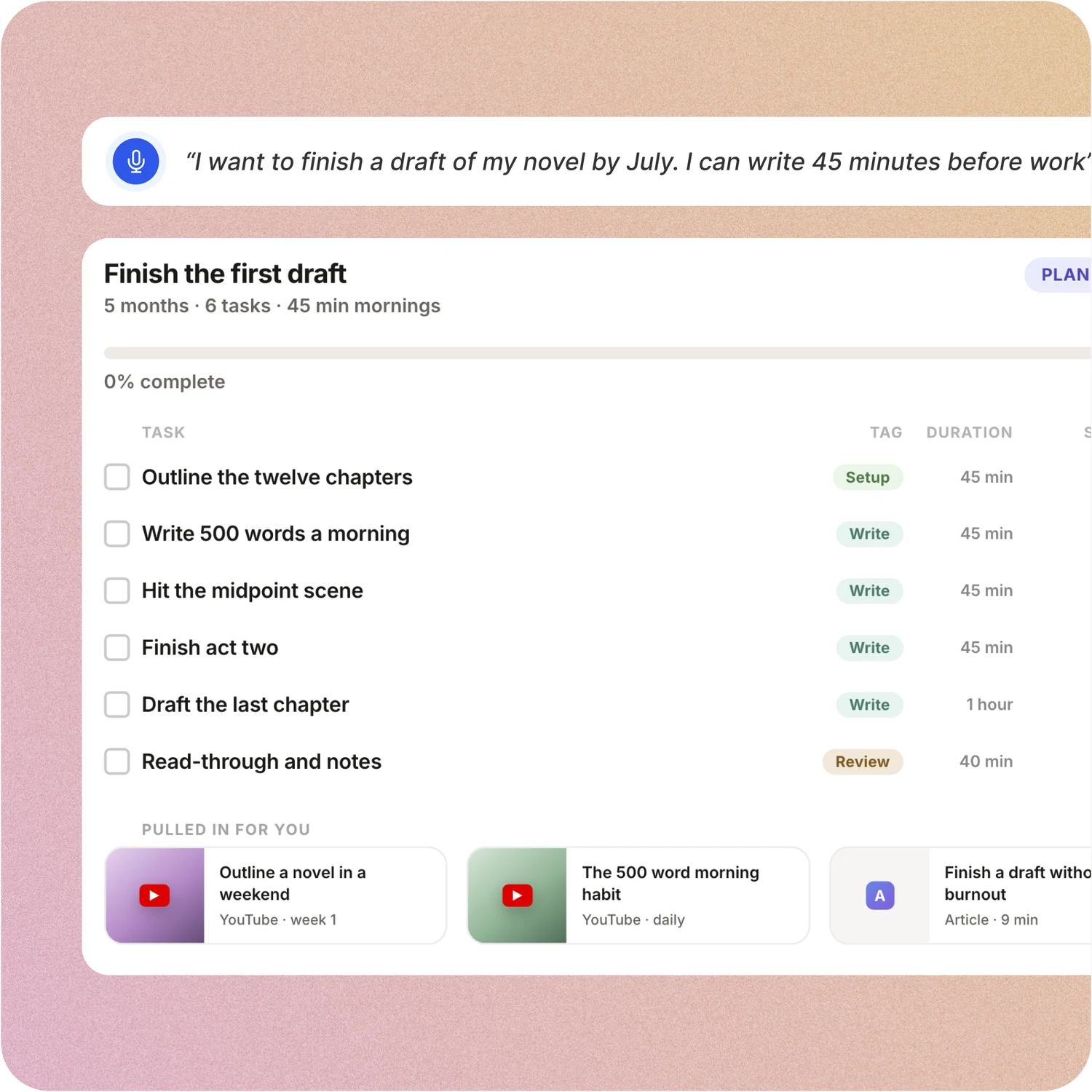
Say the goal. Get a scheduled plan.
Tell ByDesign what you want to achieve. It asks a few questions, then builds the tasks, subtasks, courses and deadlines and schedules them around the life you already have. Replan in one message.
Streaks: Streaks is built for repeating tasks: choose a suggestion or write your own, set the days, and keep the streak alive. Break It Down can suggest alternative tasks to improve your results, but nothing turns a goal into a plan, and nothing lands on a calendar.
Your calendar, both ways
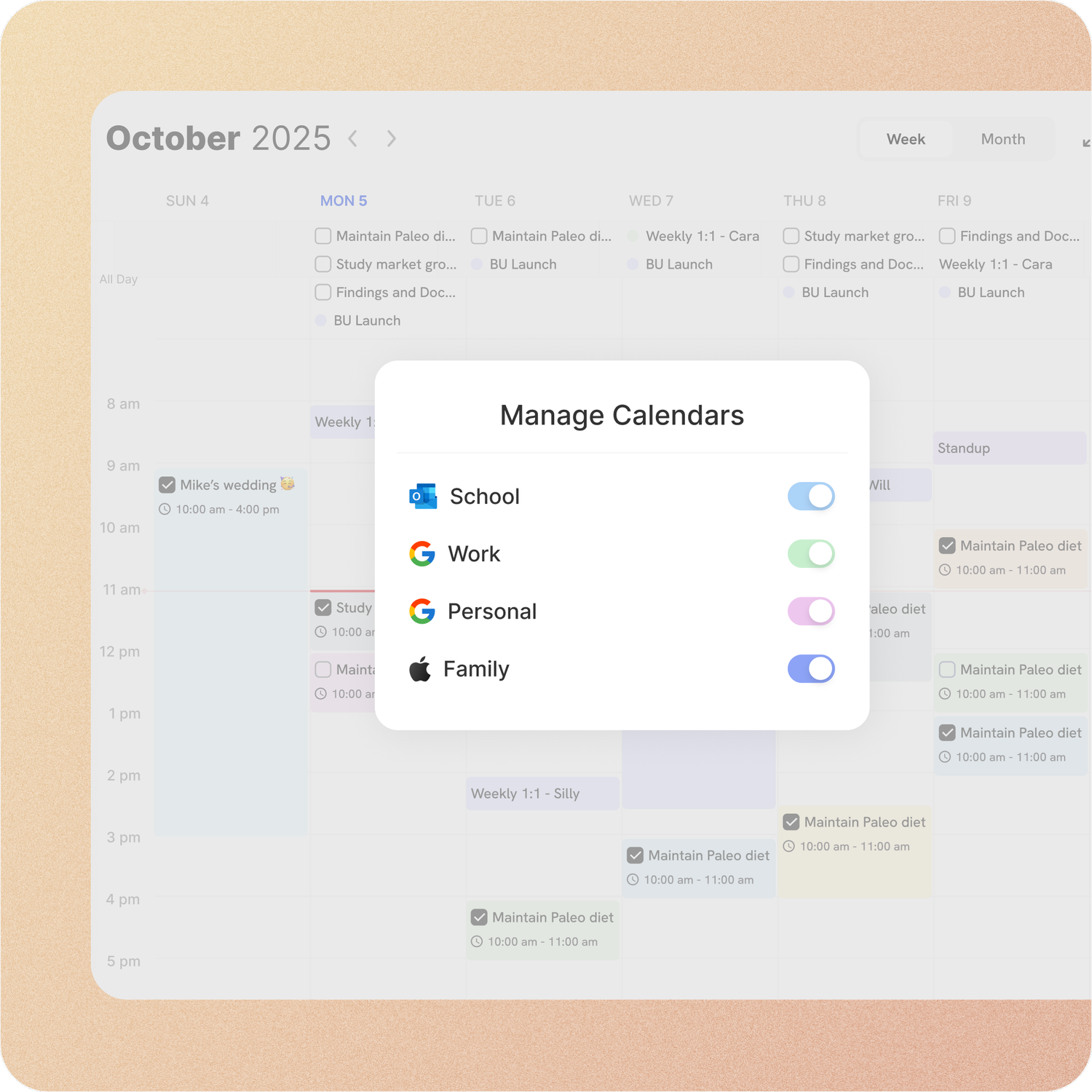
Connect Google or Apple Calendar and edit an event in either place, with Outlook and ICS subscriptions too. Auto-scheduling fills the real gaps around the meetings already there.
Streaks: Streaks doesn’t connect to a calendar. Tasks come due on the days you set, and Automatic Times learns when to remind you; nothing places work into your day.
Habits with everything around them
Track habits with streaks and stats, keep goal pages with progress, run a Pomodoro and take notes, all in the app that holds your calendar and tasks.
Streaks: Streaks does habits well: current and best streaks, completion rates, timed tasks and Apple Health links. Goals, notes pages, Pomodoro cycles and tasks with due dates live in other apps.
On every device, with your team
ByDesign runs on the web, Mac, Windows, iOS, iPad and Android. Share pages, assign tasks, @mention in comments and chat in the app.
Streaks: Streaks runs on iPhone, iPad, Apple Watch, Mac and Apple Vision Pro. You can share progress with friends who have Streaks installed; there is no assigning, commenting or chat.
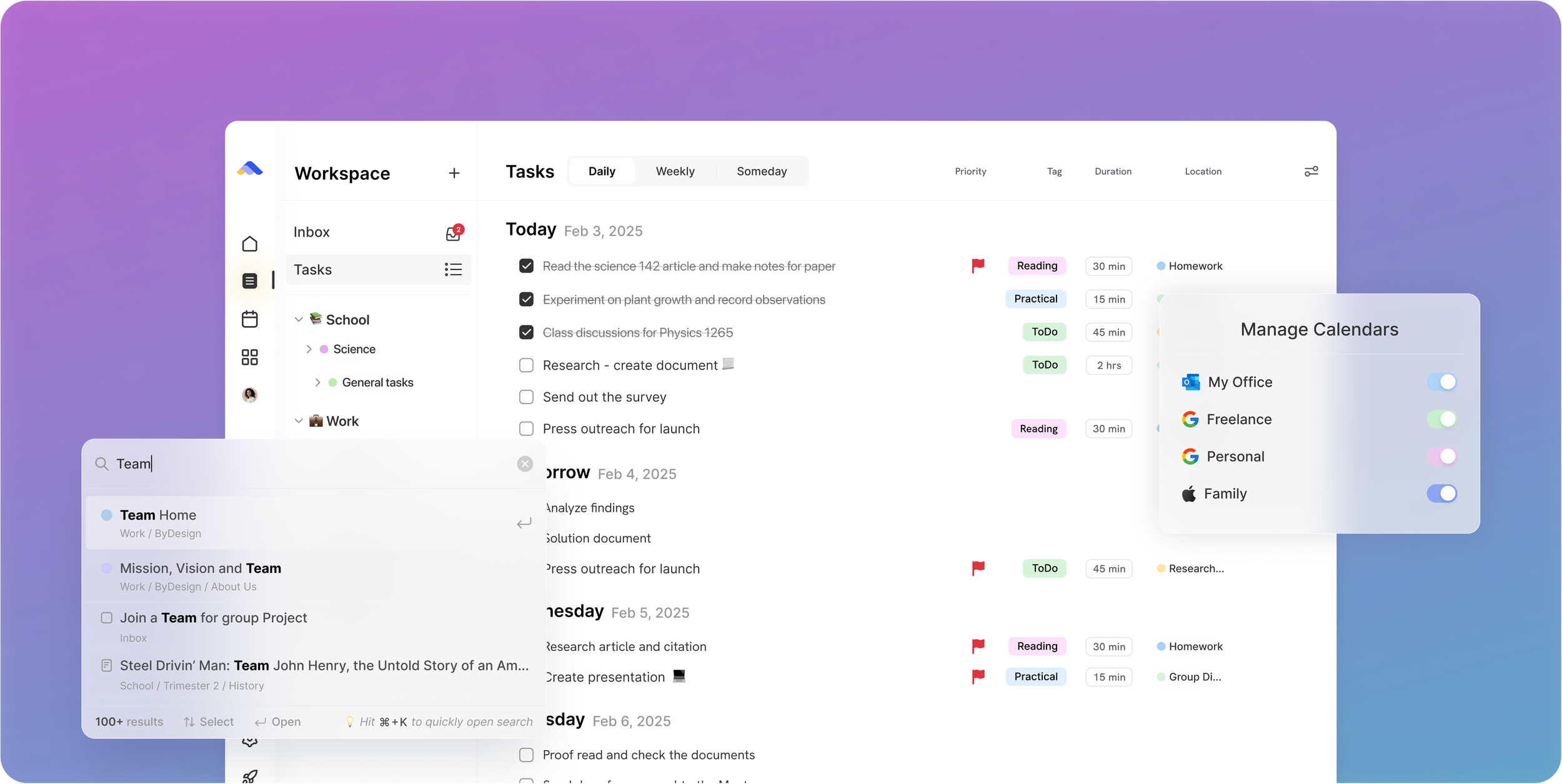
Don’t take our word for it.
From Petey M.
I used to keep a calendar, a to-do list, and a project app. ByDesign replaced all of them. It’s clean, it works, and I haven’t needed anything else.
From Daniel
Honestly, Notion was really exhausting for me... Your product works in the simplest way. I’m a product designer, and I’d love to share my feedback with you after using it more :)
From N
First off, let me say: ByDesign’s clean, minimal UI is one of the loveliest I’ve used. The overall visual clarity helps me stay focused, and honestly? I find myself oddly fond of it. Also, this might sound funny, but one of the reasons I felt drawn to ByDesign is something you once wrote: that you’re a “productivity app addict.” As someone who’s tried nearly every productivity app under the sun... I felt so seen. That’s when I knew: Okay, this one’s made by someone like me. With love (and a very biased eye) from your fan, Narae 😊💜
Make the switch in three steps
No setup project. Start free, connect the calendar you already use, and give ByDesign your first goal.
- Start your free trial. No credit card.
- Connect your Google, Apple or Outlook calendar.
- Say your first goal and watch the plan land on your calendar.
Ready for habits and the plan around them?
Start free. No credit card. Tell ByDesign a goal and watch the plan land on your calendar.
Try ByDesign free