One canvas
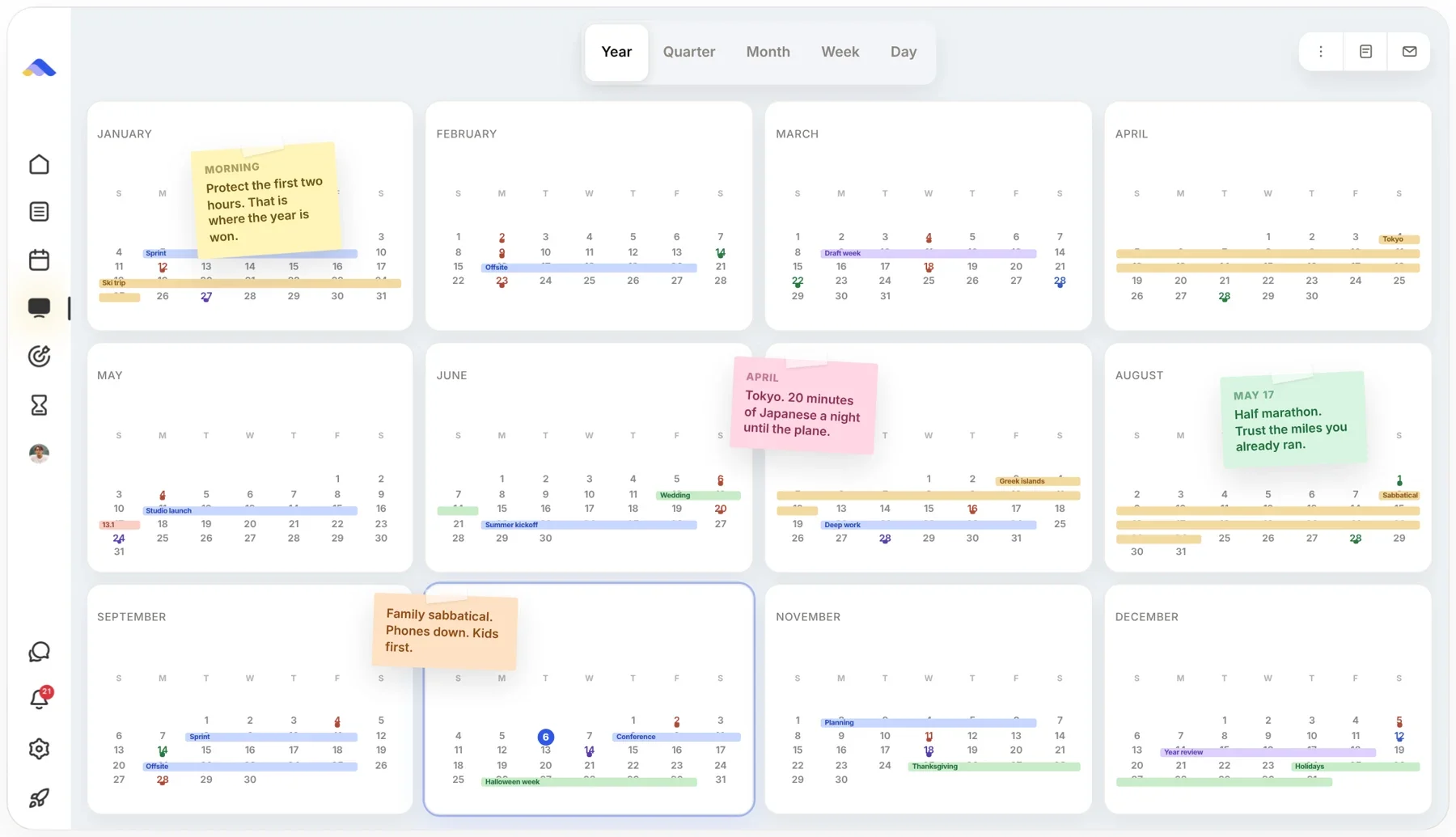
Year, quarter, month, week and day on one surface. Drag your plans around and add notes right where they belong.
By using this website, you agree to our use of cookies. We use cookies to provide you with a great experience and to help our website run effectively.


One planner for your calendar, tasks and notes, on a canvas that zooms from year to day. AI builds the plan when you ask. Everything works without it.
7-day free trial. No credit card.
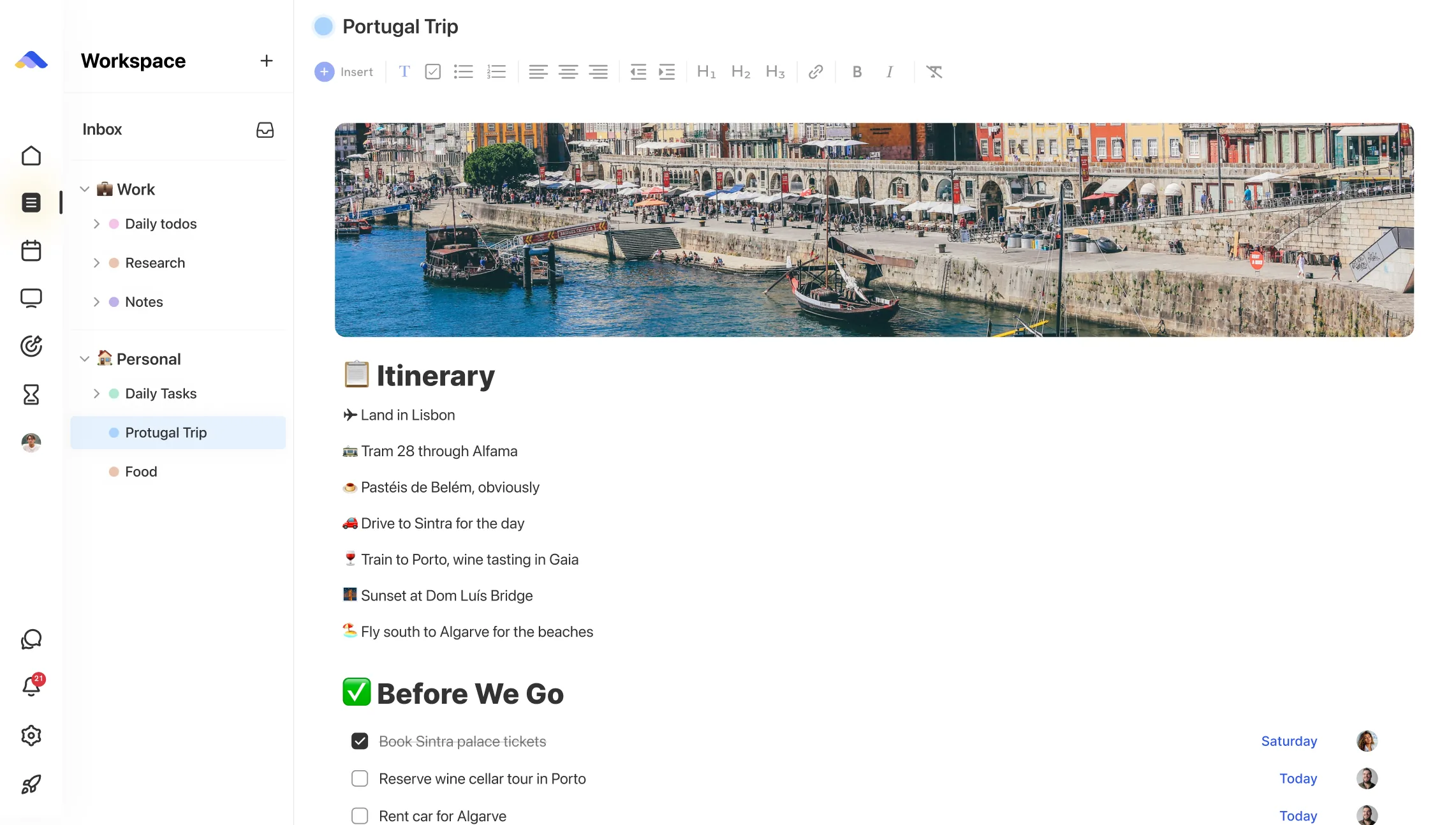
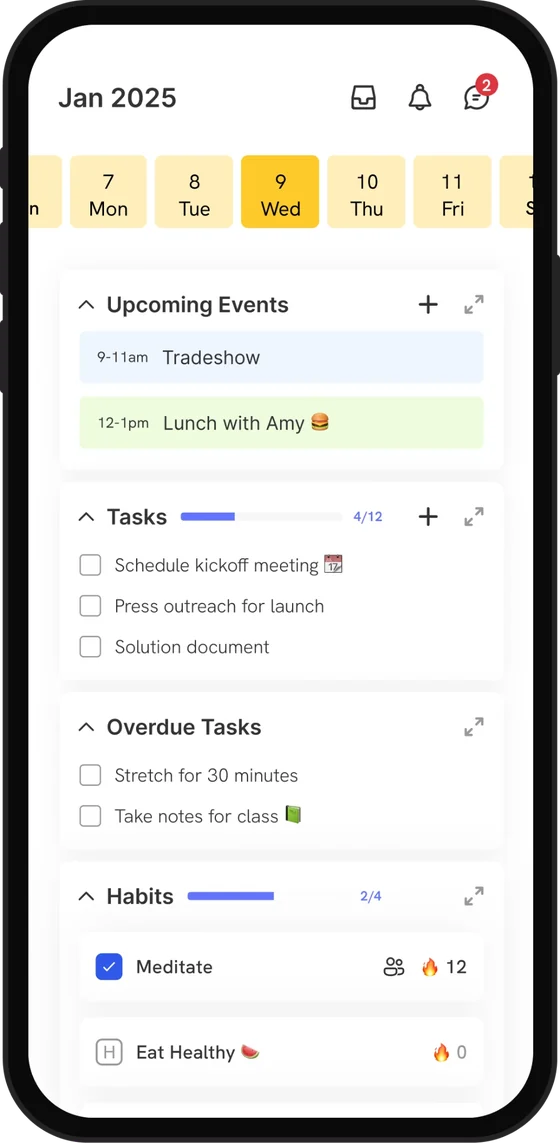

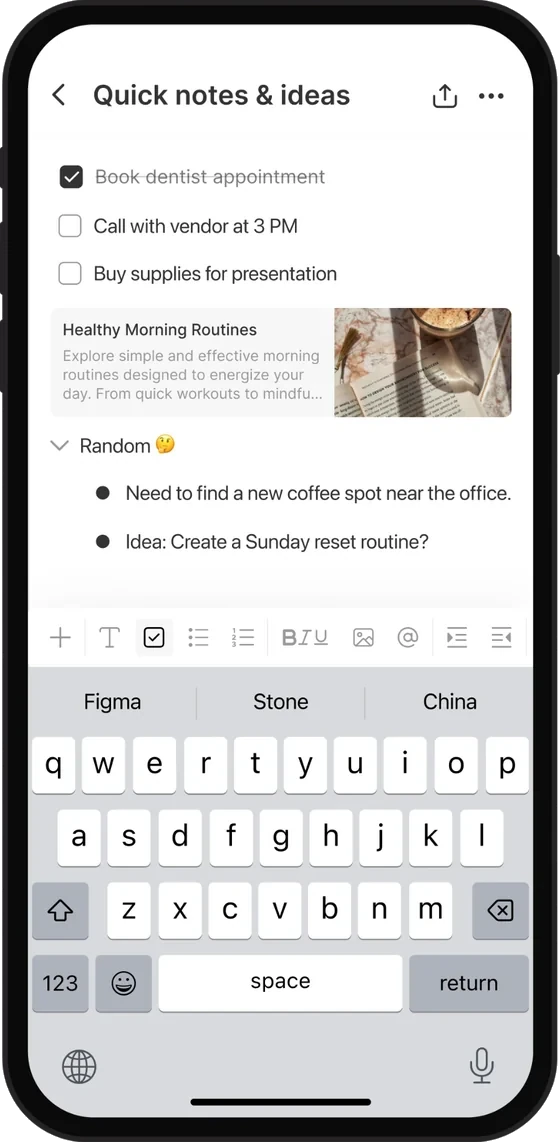
No templates to build and no system to maintain. Open it, start planning, and it grows with you.
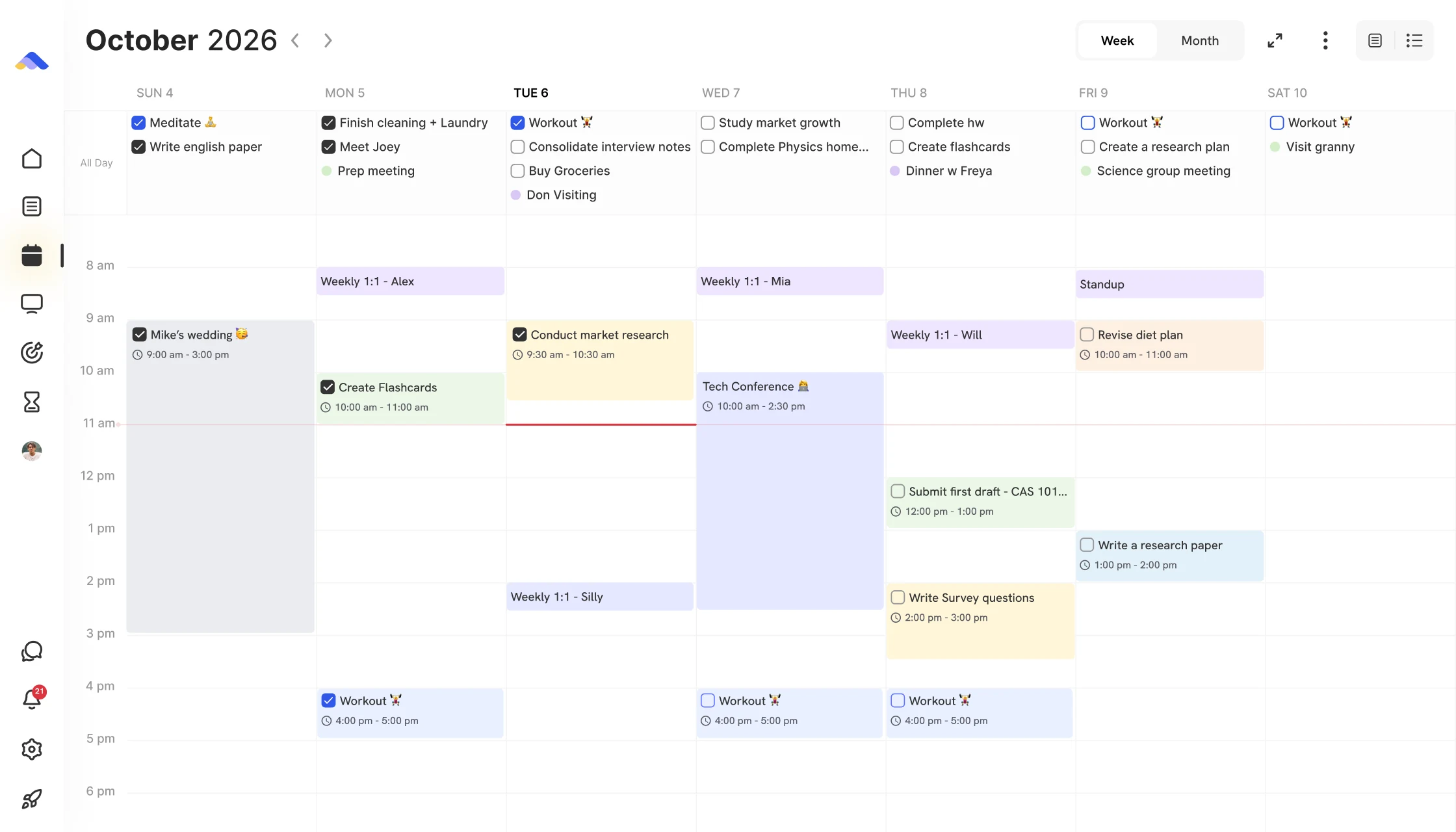
Year, quarter, month, week and day on one surface. Drag your plans around and add notes right where they belong.
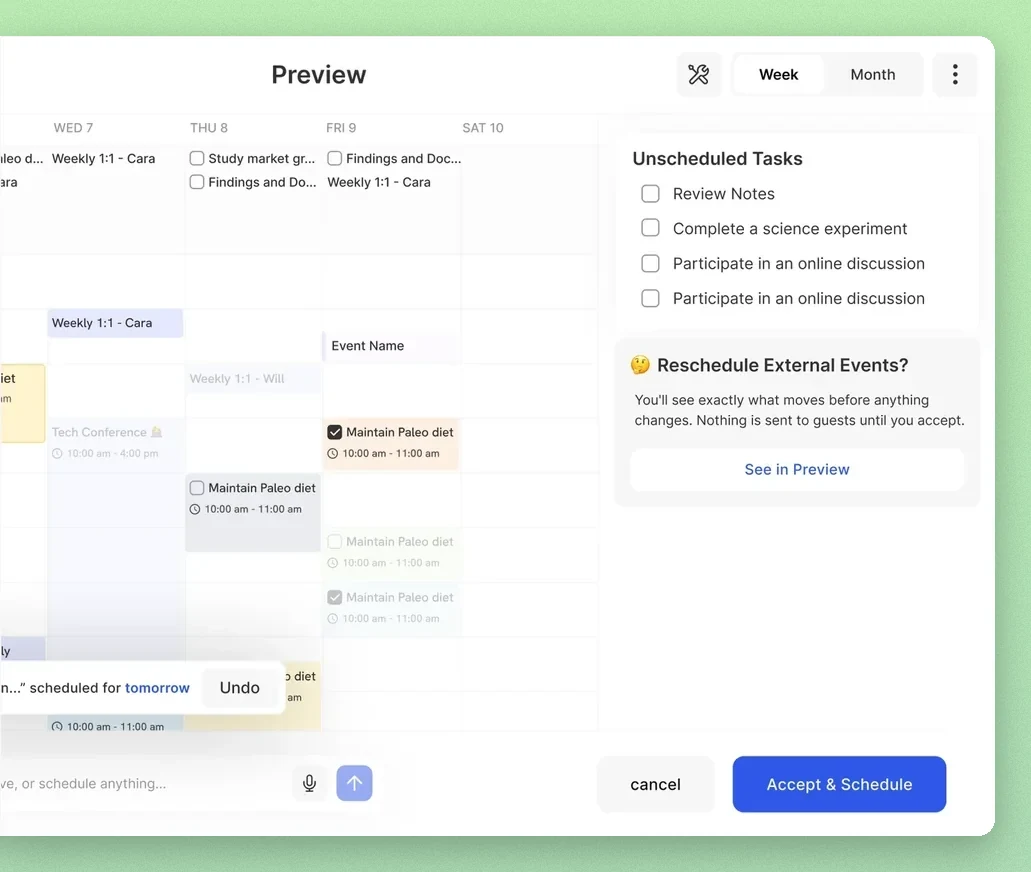
Say “plan my week.” It drafts the changes on a preview of your calendar, and nothing changes until you accept.
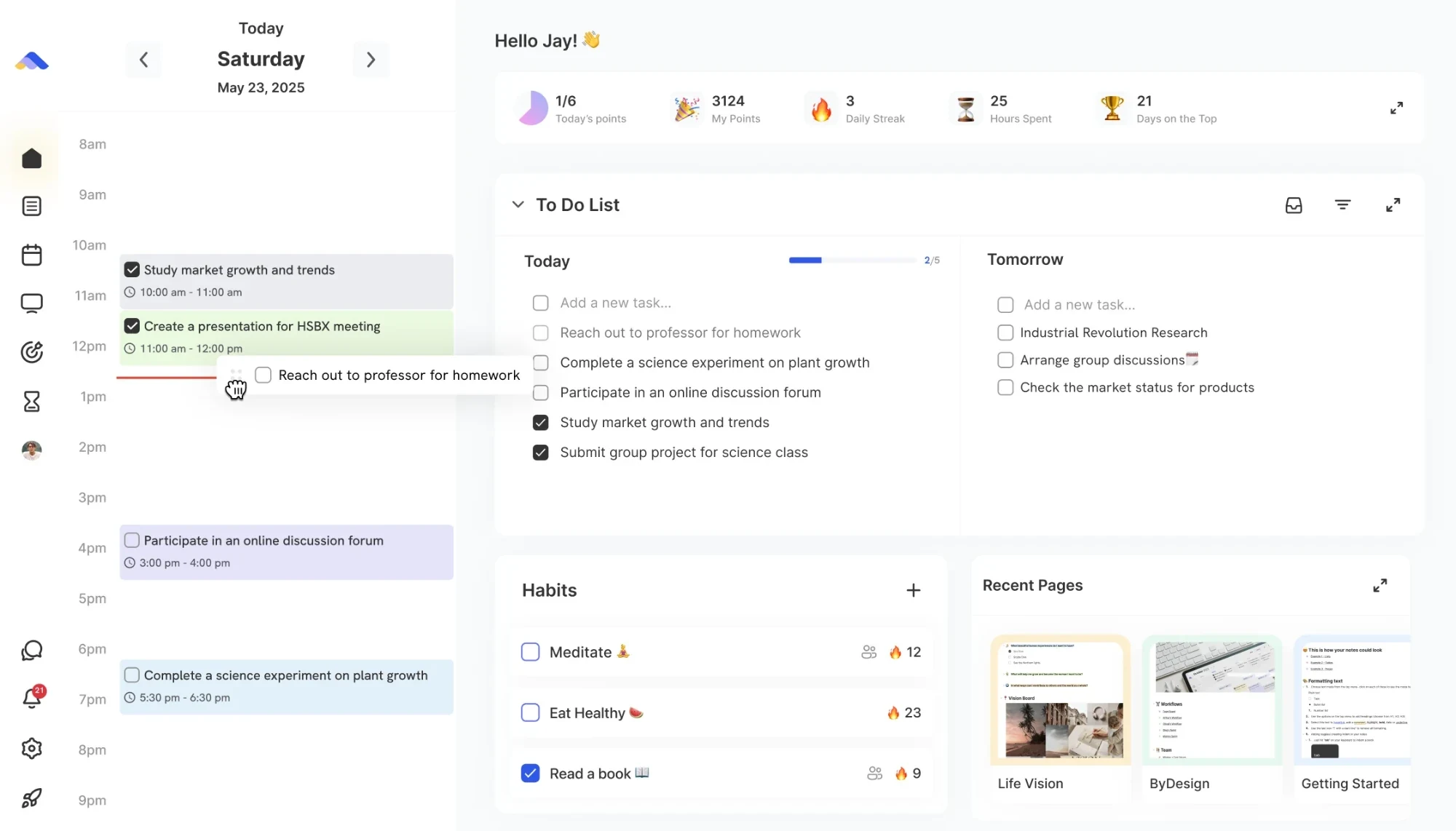
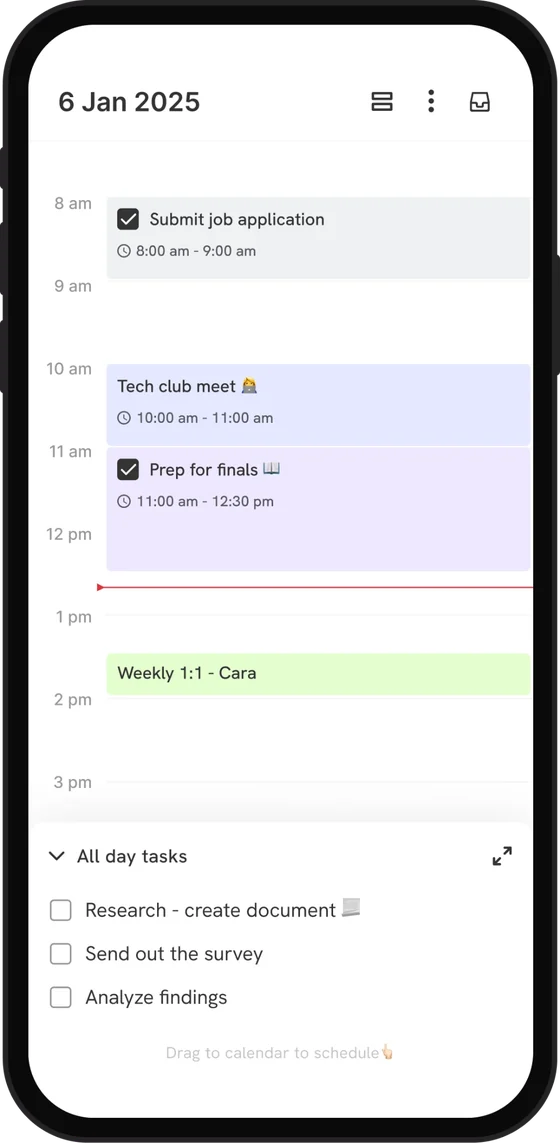
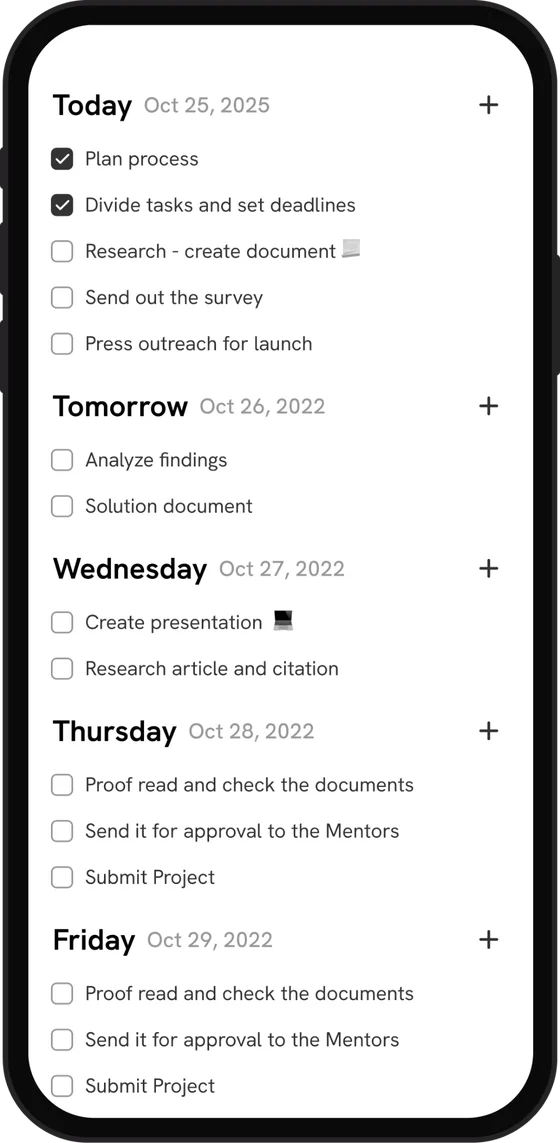
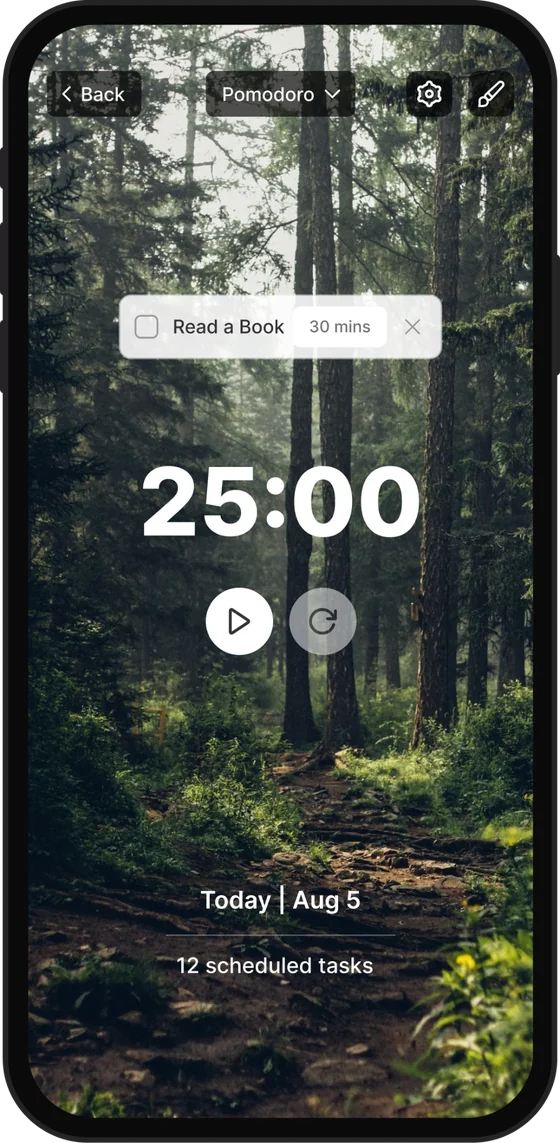
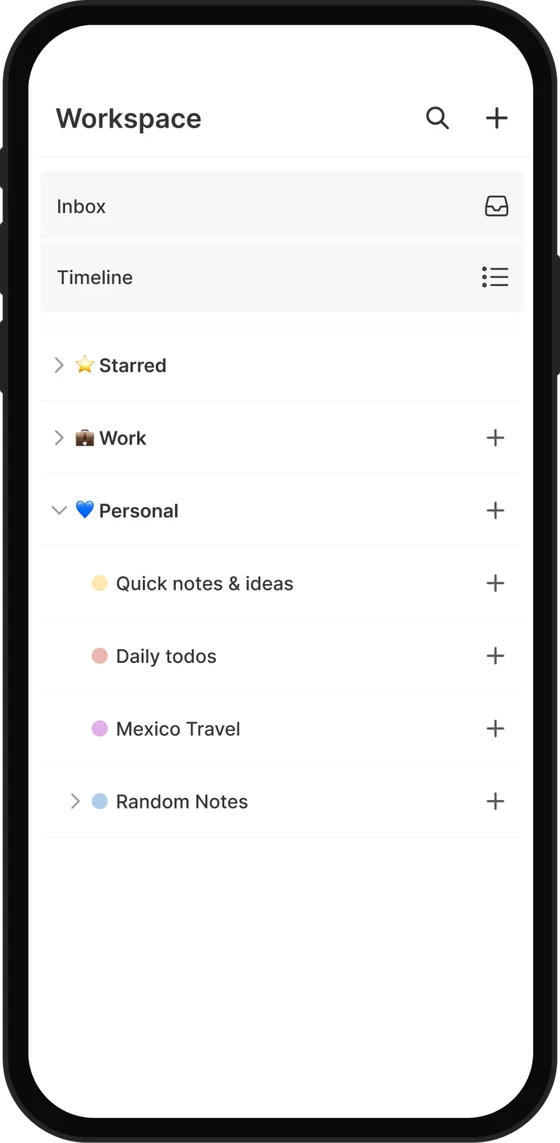
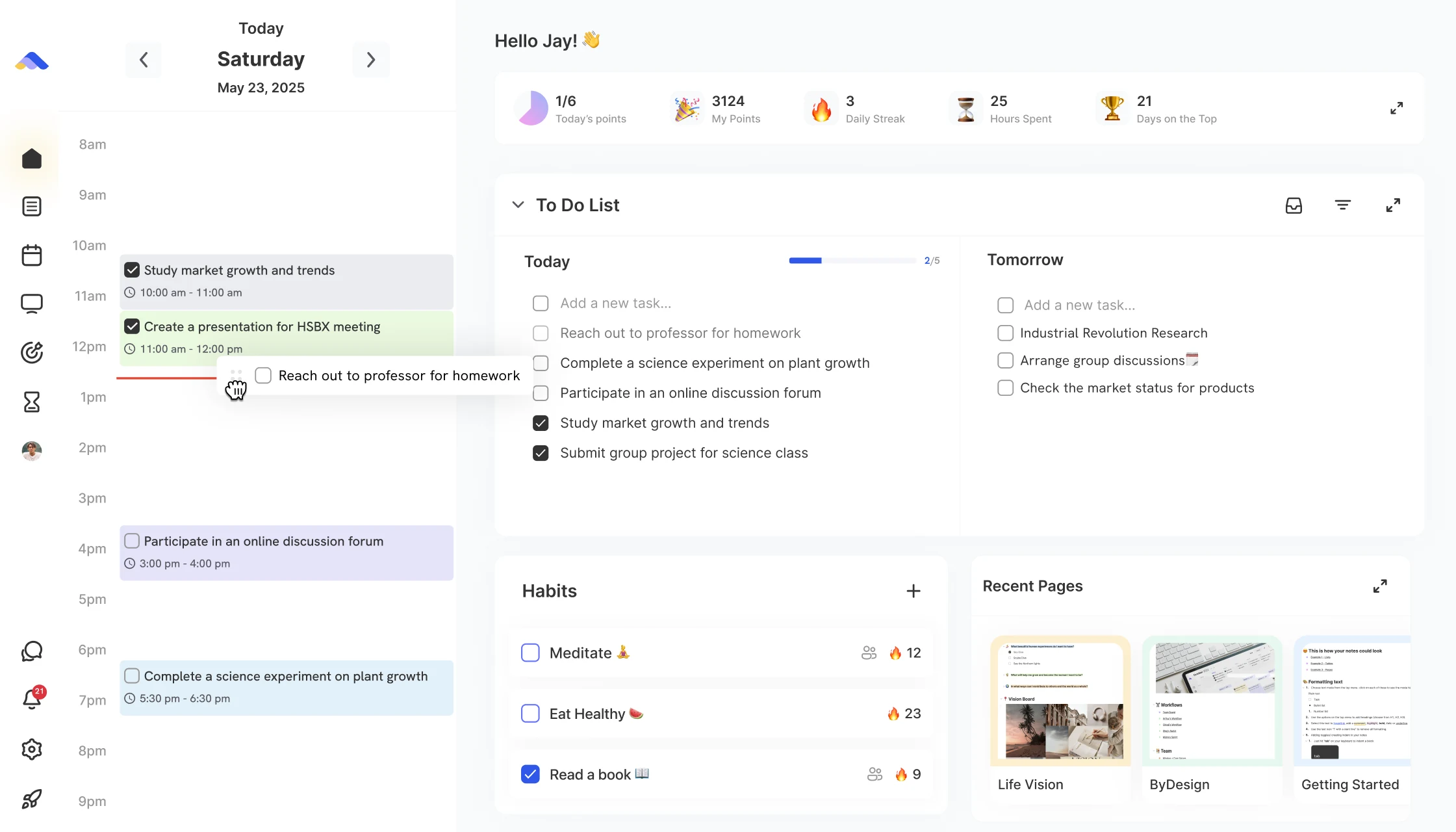
Your day on one home screen: tasks, habits, calendar and notes together, synced with Google, Apple and Outlook.
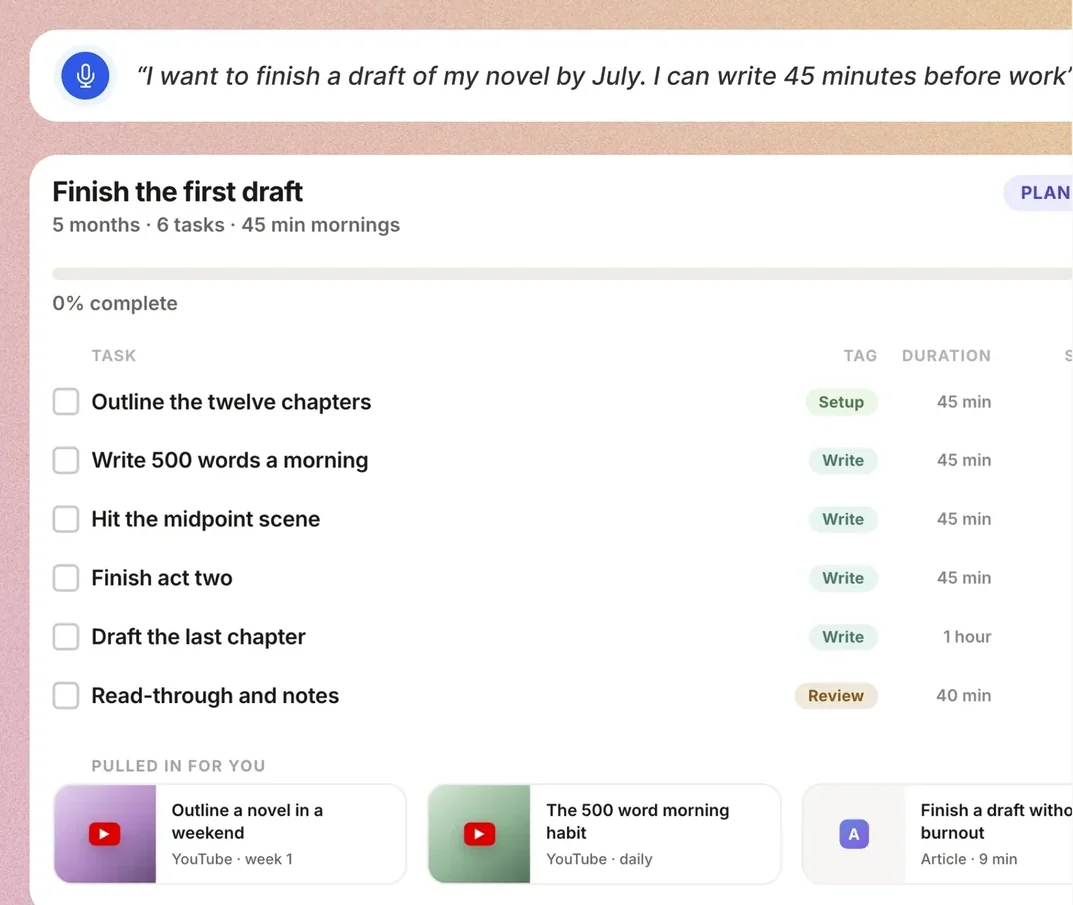
Say a goal and get a real plan: the steps, dates on your calendar, and the videos and articles to help.
Pick a goal. ByDesign builds the plan, and AI scheduling finds time for it in your week.
AI planning
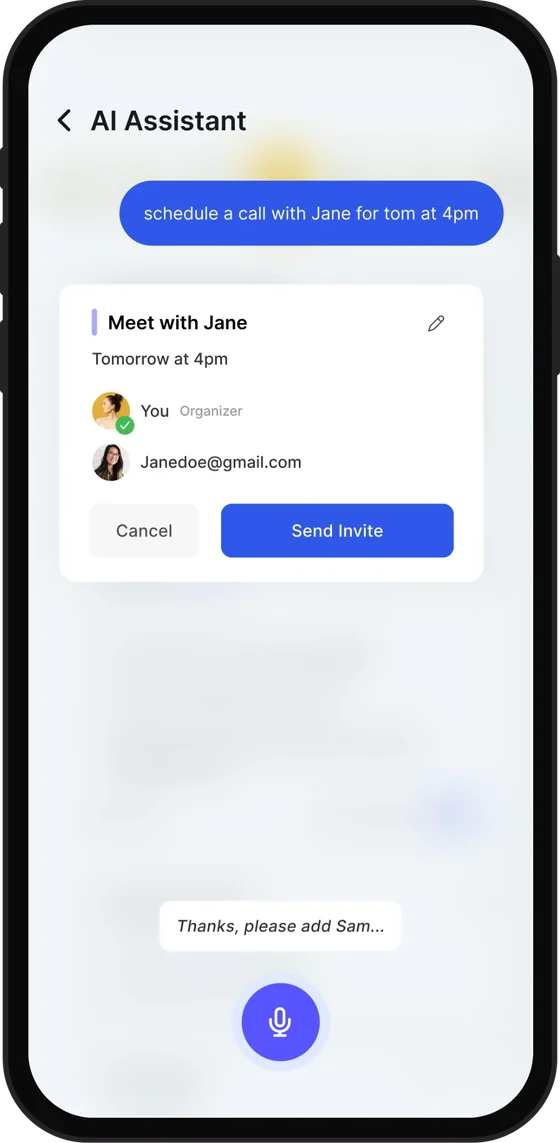
Tell ByDesign what to plan, out loud or in a few words. It zooms from your year to your week, fits it around what’s already there and shows you a preview to approve.Just ask, by voice or text. ByDesign can schedule tasks, send calendar invites or move things around for you.
Talk to it like you would a person. It listens, understands and acts.
Your calendar, tasks, goals and habits, not a blank chat window.
Use AI when it helps and turn it off when you don’t. Everything works without it.
“Tried a number of life OS apps. From Notion to Amplenote which was my longest stint. Really impressed with ByDesign as its much cleaner and easier to use.”
“So impressed with the app, I subscribed to a full year within the first week while I still have 6 months left on my TickTick sub.”
“ByDesign literally changed how I work. I used to have like 6 different apps open and now it's just... one. My brain feels less scattered.”
Real quotes from ByDesign users, App Store reviews and our community.
Read more reviewsEvery plan starts with a 7-day free trial. No credit card, no commitment.
$8 a month
Tasks, habits, pages, calendar sync and apps on every device.
$15 a month
Everything in Pro, plus AI goal plans, AI scheduling, the planning canvas and 500 AI credits a month.
$20 a month
1,500 AI credits a month, higher-quality voice and more storage.
Pay yearly and save up to 33%.
Everything you might want to know before you start your free trial.
An AI-native planner that keeps your calendar, tasks, notes, habits and goals on one zoomable canvas, and plans and schedules them for you.
Pro is $8 a month, AI is $15 and AI Plus is $20, or $69, $119 and $199 if you pay yearly. Every plan starts with a 7-day free trial, with no credit card and no commitment.
No. AI is opt-in. Core planning works fully without it, and you can use ByDesign as a plain calendar and to-do list for as long as you like.
iPhone, iPad, Android, Mac, Windows and the web, all in sync.
Yes. Connect your Google, Apple and Outlook calendars to see your events next to your tasks and habits. Google and Apple sync both ways and Outlook one way, and ByDesign can add your tasks, events and habits to the calendar you choose.
Yes. Share any page by email or with a link, and choose whether each person can view, comment or edit. On shared pages you can assign tasks and leave comments, and you can chat with your connections in ByDesign.
We don’t sell your content, and AI is opt-in. Core planning works fully without it.
Yes. You can export any page or goal as a Markdown (.md) file, and delete your account and its data in Settings at any time. Our privacy policy explains what’s kept and for how long.