


Student communication in one place
Instantly reach your students: Chats, Updates, Reminders, Announcements, and more!

Safety First
Top-tier safety and security, FERPA compliant.
Administrator access to message and announcement transcripts.
Privacy controls for teachers and administrators.

Seamless Integration
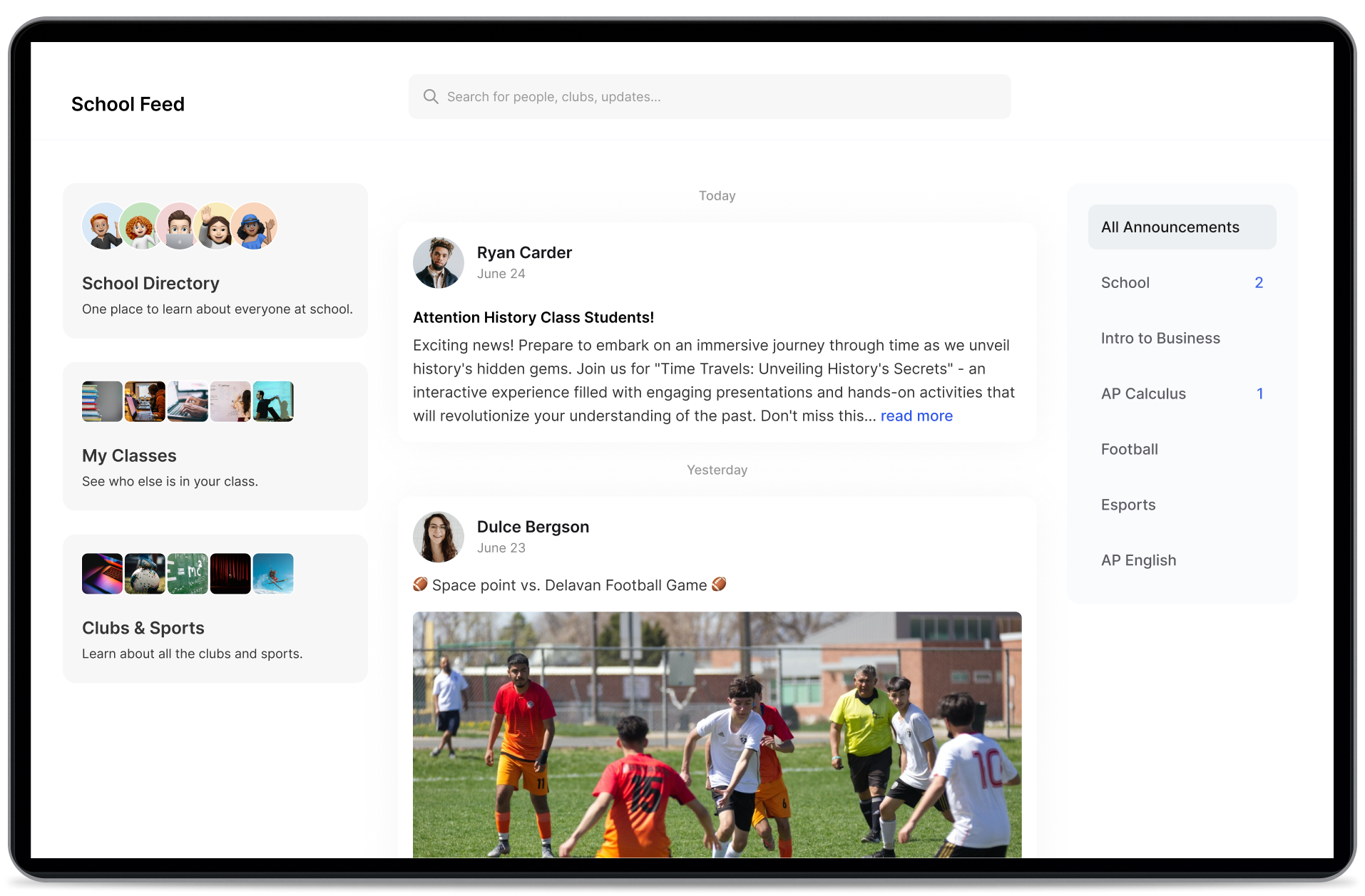
ByDesign integrates with your LMS enabling:
✏️ Syncing of announcements from other platforms.
✏️ Automated group chats for classes and clubs.
✏️ School-wide directory for teachers and students.

Efficient Messaging
Instant communication between students and teachers.
Polls and threads that increase student participation.
Group chats for classes and clubs.


Simplified Announcements
📣 Updates, events, and polls.
📣 Select audience with just one click.
📣 Repost and send reminders.
Next Steps
-

Explore a Test Account
Explore ByDesign at your convenience using a student test account.
-

Schedule a Call
Discover the power of ByDesign with a personalized walkthrough.